
Free Online Stage Timer for Speakers & Events

Amber to wrap up, red to finish, and any overrun in plain sight.

  • Free
  • Counts the time over
  • Second screen for the stage

15 minutes remaining. Ready. 15 minutes.

Choose a duration

Ready15 minutes

Colours

Set a custom time

Whole minutes and seconds, up to 24 hours.

A small timer window that stays on top of other apps
  • SpaceStart, pause, stop alarm
  • RReset
  • EscExit full screen

A countdown the speaker can read from the stage

A stage timer, also called a speaker timer or presentation timer, tells whoever is speaking how long they have left, without someone in the front row holding up cards. This speaker countdown timer, a stage countdown timer, opens in the digital view with large digits.

When the time runs out this stage timer with overtime keeps going. It is a timer that counts up after zero behind a minus sign, such as -00:42, so the speaker and the host both see exactly how far over the slot has run. If sound is on, a single chime marks zero instead of an alarm ringing into the microphone.

A speaker timer with confidence monitor, or a countdown timer for projector, needs that display set as an extended screen. Press Second screen and this presentation timer with second screen opens alone on the stage, while the controls stay on the laptop at the tech desk.
Made for

  • Conference talks and keynotes
  • Lightning talks and pitch nights
  • Panels and Q&A sessions
  • Toastmasters speech timer
  • Sermons and services
  • Live streams and webinars
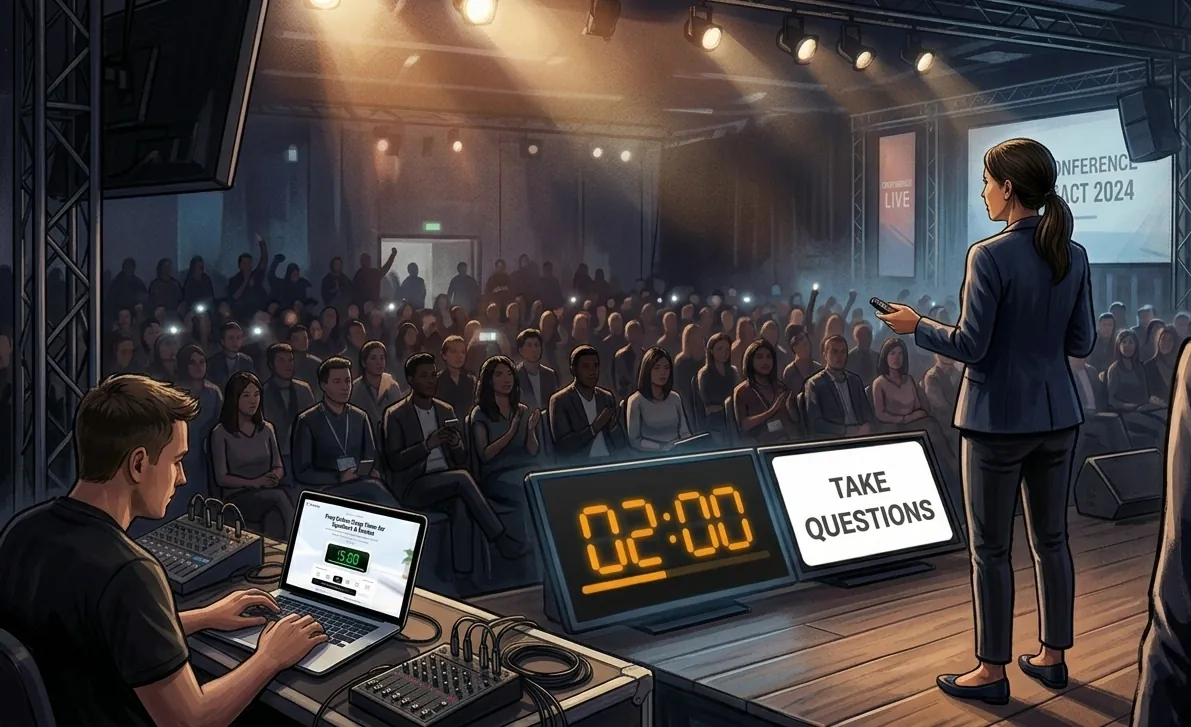
A speaker on stage facing the room. The floor display shows 2:00 beside Take questions, and a laptop at the side runs the same timer.

Running the clock for speakers

  1. Agree what the colours mean

    Tell each speaker beforehand that amber means start the closing point and red means the last sentence.

  2. Face the clock at the speaker, not the audience

    A confidence monitor angled up at the lectern keeps the room watching the talk rather than the countdown.

  3. Stage Timer That Keeps Counting When Speakers Run Over

    Past zero the red digits count up until you press Reset.

Stage Timer questions

What happens when a speaker runs over?

The screen reads Over time and the red digits count up from zero with a minus sign in front. They keep counting until you press Reset or Restart.

When do the colours change?

Amber with two minutes left and red with one. On a slot of five minutes or less, amber comes at one minute and red at thirty seconds.

Can the speaker see the timer while I keep the controls?

Yes, if the stage screen is an extended display, not a mirror. Press Second screen, drag the window onto it and click to fill the screen.

Can I send the speaker a message?

Send messages to speakers without interrupting their presentation. This stage timer with messages to speaker uses silent cues for speakers. Tap Wrap up or type a note, and it shows in big capitals beside the clock until you clear it.

Does it work as a meeting presentation timer on Zoom or Teams?

Yes. Keep the Float window over your slides while you share them, or share the Second screen window so the whole call sees it.

Will the stage screen go to sleep in a long session?

The Second screen window asks the browser to keep the display awake for as long as it is open.

Can I set an odd length, like 7 minutes?

Open Set a custom time and enter any length up to 24 hours, down to the second.

Want a single countdown instead? Use the main timer, try the floating timer, the Pomodoro timer, the classroom timer, the online stopwatch or the interval timer, or read how the stage timer works.